Our Workday deployment is a comprehensive, multi-phase program designed to modernize and unify core business and student operations. This transformation is structured around two major phases: Platform (human capital management, financials, payroll, time tracking) and Student.
Project Scope
The scope of the Workday project extends across all operations of our campus, including:
- Student functionality, including registration, advising and financial aid.
- Faculty functionality, including grading, rosters and advising.
- Staff functionality, including financial, personnel and benefits information.
- Management of data flow between applications and departments.
- Reporting and analytics, including institutional research.
- Technology infrastructure, maintenance, security, and support.
- Process efficiency functionality, including workflows and notifications.
Workday Project Timeline
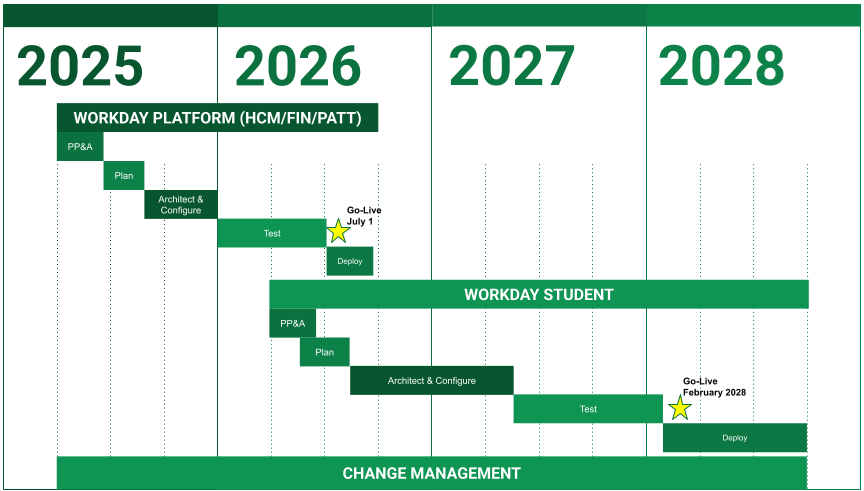
- Workday Platform (HCM/FIN/PATT) — COMPLETE!
- 2025 — PP&A » Plan » Architect & Configure
- 2026 — Text » Go-Live (July 1) » Deploy
- Workday Student (2026-2028)
- 2026 — PP&A » Plan » Architect & Configure
- 2027 — Architect & Configure » Test
- 2028 — Text » Go-Live (February 2028) » Deploy
- Change Management (2025-2028)
What is changing with Workday?
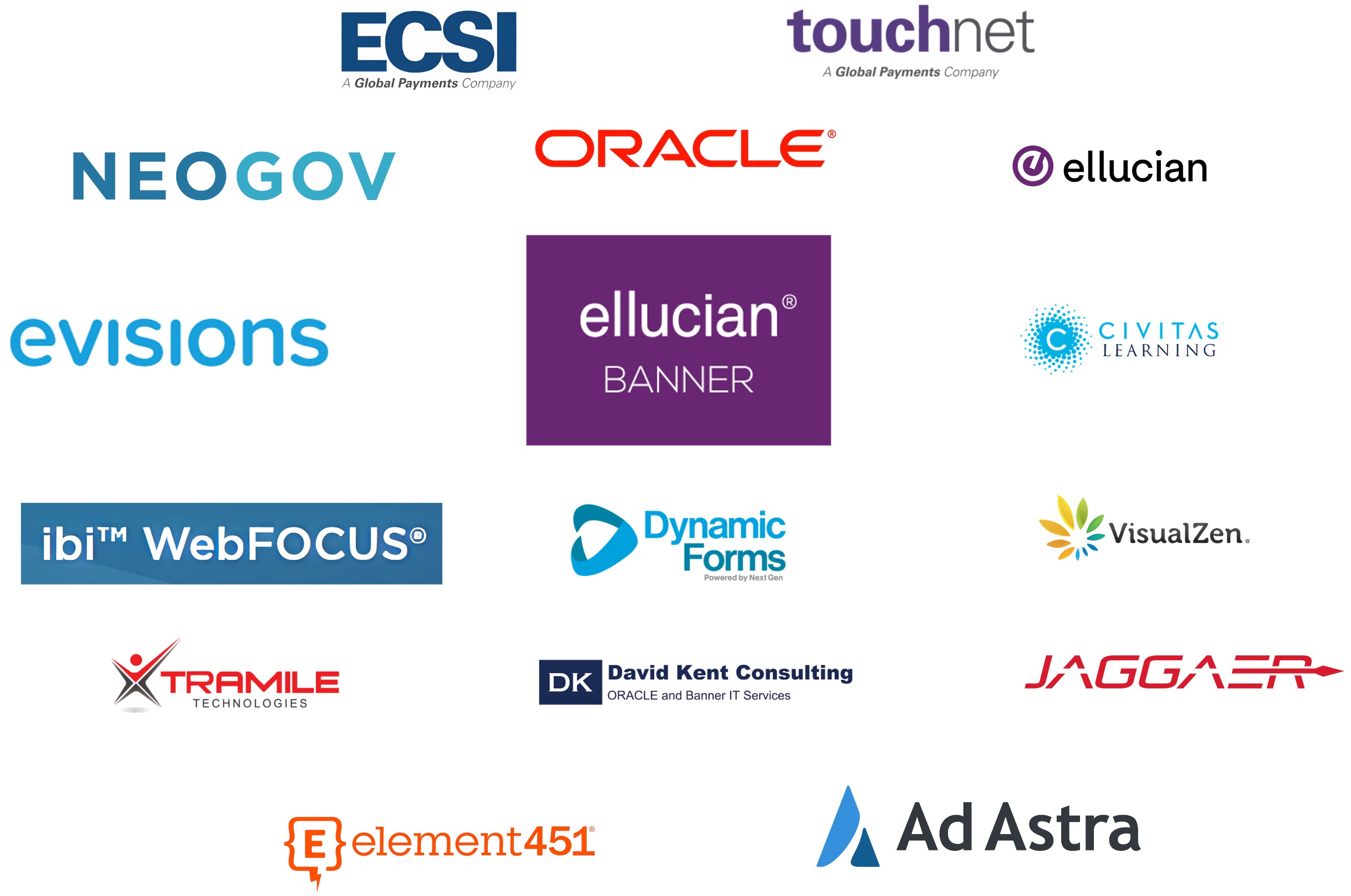
Software Solutions in use at Northwest
Current Systems In use
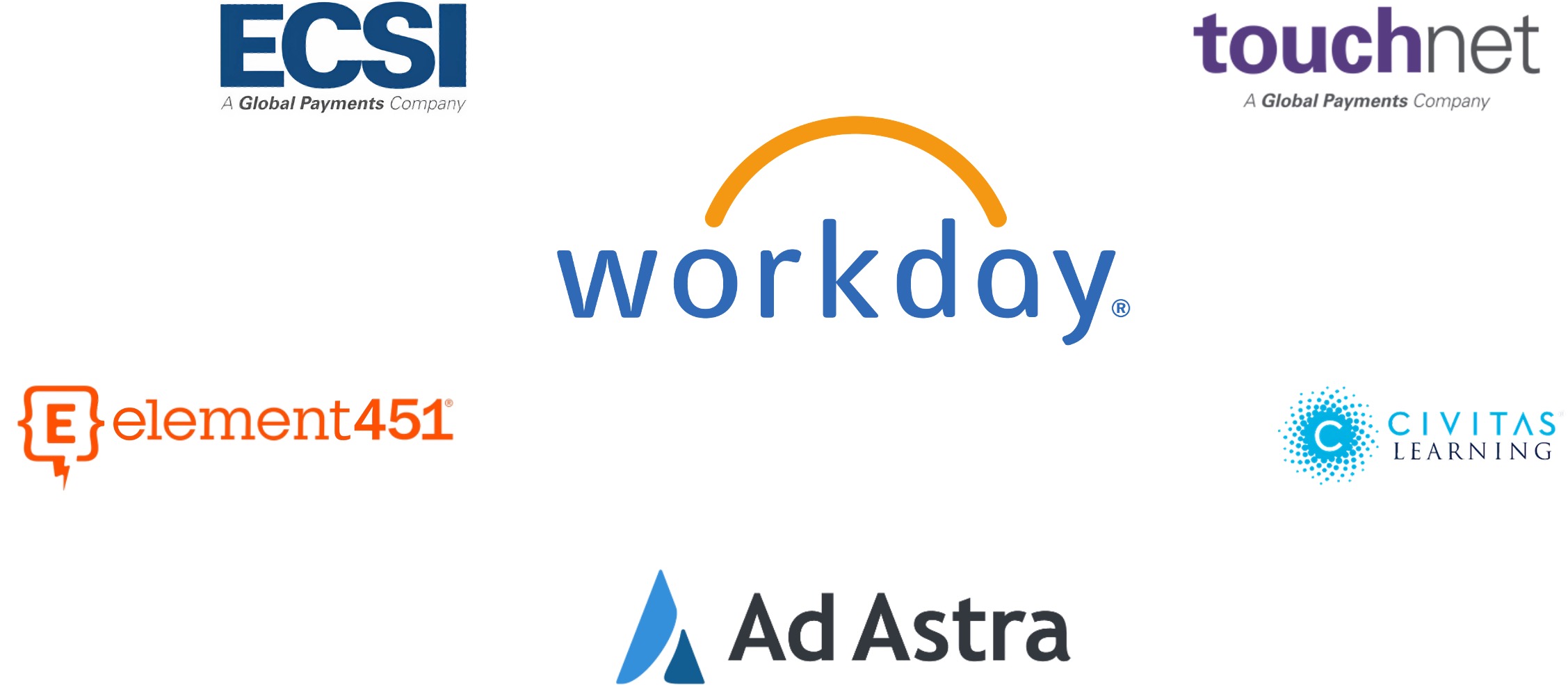
Systems to be used in the Future
HCM (Human Capital Management)
| Current State |
Future State |
- Paper-based processes
- Job Posting Request
- Personnel Action Form
- Open Enrollment
- New Hire Paperwork
- Employee Performance Reviews
|
- Automated workflows
- Elimination of paper-based processes
- Increased timeliness of business processes
- Employee self-service for updates and selections
|
- Manual processes and data entry across multiple systems
- Process tracking via spreadsheets and email workflows
- Manual onboarding process for new hires
- Payroll information manually entered in Banner
|
- Real-time business process tracking and visibility
- Gained efficiencies
- Reduced manual entry and risk of human error
|
- Employee resources housed across multiple sites
- NEOGOV
- MyNorthwest
- CatPAWS
|
- Single sign-in
- Easily accessible personal, job-related, and benefits information
- Centralized access to business processes
|
PATT (Payroll, Absence and Time Tracking)
| Current State |
Future State |
- Leave balances difficult to access and compute due to timing/concurrent payroll
|
- Access to current leave balances
- Ability to project future balances
|
- Recording absence limited to open pay period
- Future absence requests submitted via email or paper
|
- Electronic leave and absence requests
|
- Payroll direct deposit requests submitted on paper and limited to one account
|
- Add payment election information electronically
- Ability to add two accounts
|
- Manual submission of daily hours to ensure 40 hours per week
- Monthly pay period crosses work week
|
- Weekly hours summarized in calendar view
- Bi-weekly pay period aligns with work week
|
Budget
| Current State |
Future State |
- Multi-year budget reports are run and distributed by HR or Finance
- Limited on-demand access for leaders
|
- Real-time Budget vs. Actual reporting for personnel and operating budgets
|
- Revenue and expense totals lack sufficient details for analysis
|
- Drill down capability to transaction-level details for reviews and adjustments
|
- Operational budgets are pooled at department level
- Limited planning visibility for planning and managing expenses
|
- Budgets aligned to Cost Centers and summarized by Ledger Accounts
- More visibility for planning and managing expenses
|
- Manual processes are used to track spending levels, with follow-up occurring after budget has already been exceeded.
|
- Automated budget checks to help address spending levels before budget is exceeded and routed through approval process.
|
Expenses
| Current State |
Future State |
- Time-consuming, paper-based expense submissions (ETEV and P-Card)
|
- Fully electronic expense reporting
- Workflow approvals, notifications, and tracking
|
- ETEV and P-Card processes are separate and require multiple submissions
|
- Single, streamlined expense report with built-in validations and prompts to reduce errors and duplicate requests
|
- ETEV reimbursements are issued by paper check
|
- Direct deposit expense reimbursements
|
Procurement & Suppliers
| Current State |
Future State |
- Contracts not integrated
- Limited spend reporting and visibility
|
- Integrated contracts
- Enhanced and detailed spend reporting and visibility
|
- Broad requisition access
- Manual and inconsistent approvals
|
- Structured, role-based requisition access and approval process
- Status transparency of requisitions
|
- Invoice, receiving records, and purchase order documents stored as hard copies
- Difficult to find and view quickly
|
- Centralized digital document storage with on-demand access
|
- Difficulty identifying correct commodity and account codes
- Limited search ability and excessive number of codes
|
- Searchable, simplified spend categories that can be searched by name for accurate coding
|
 » Workday