 » Marketing and Communication » Web Services
This section is intended to help provide insight on improving a website, Accessibility, SEO, gathering analytics data, and helping understand the tools the Web Team has available for improvements on the web.
Faculty and staff with Northwest credentials can be granted access to Google Analytics or Siteimprove. Contact the Webteam at webteam@nwmissouri.edu to request access and training as needed.
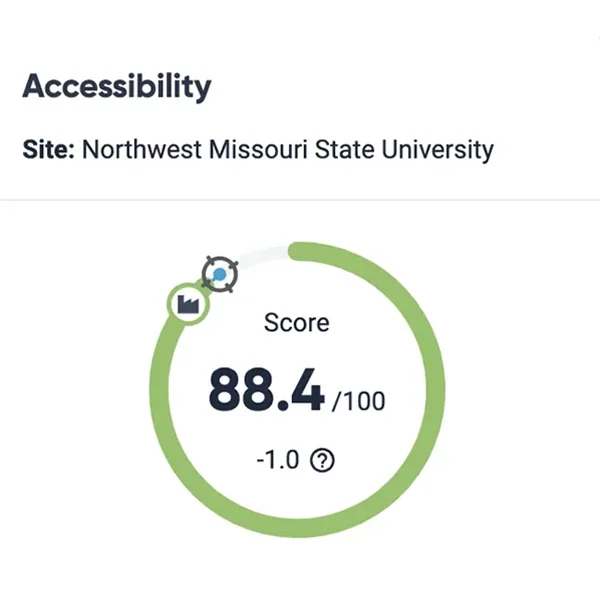
Siteimprove’s web accessibility tools enable you to easily follow and adhere to international Web Content Accessibility Guidelines (WCAG) across all conformance levels (Northwest has a goal to maintain AA conformance). These tools will help remove barriers that damage the user experience and safeguard our brand reputation to create an inclusive digital presence for all.
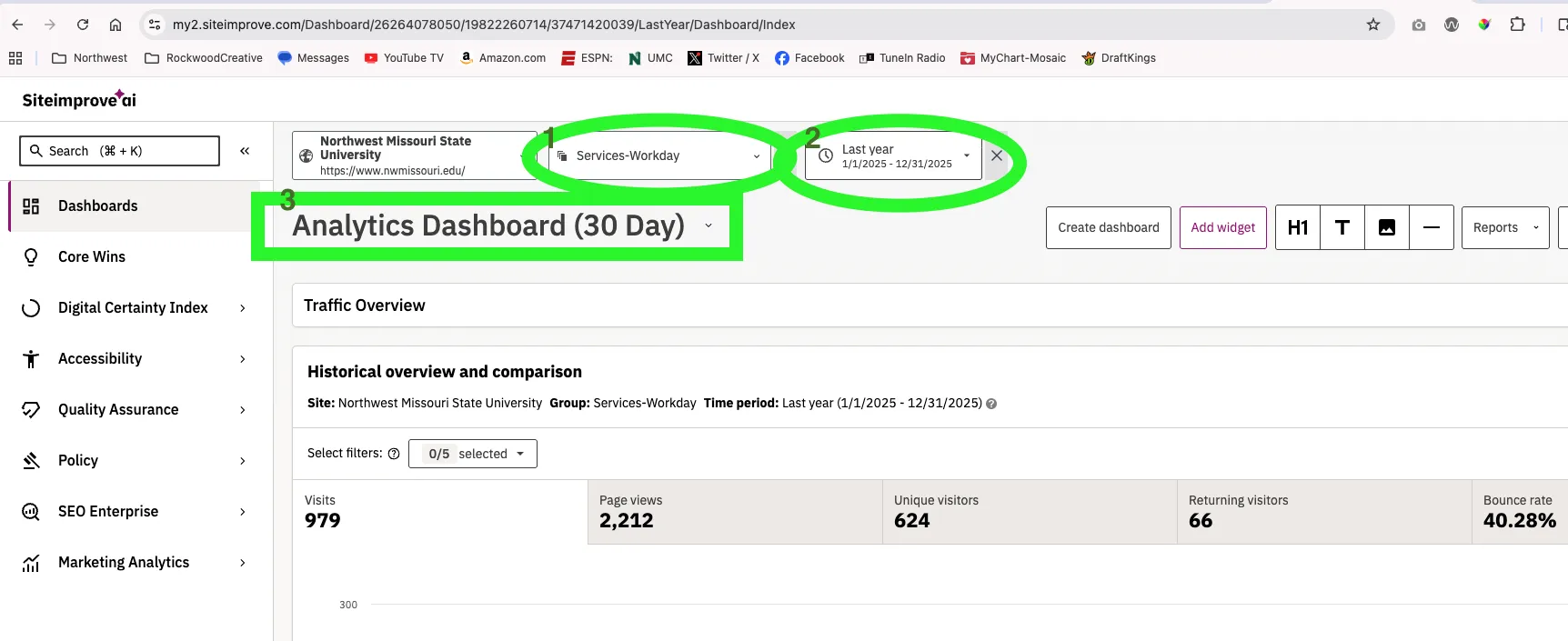
To use, navigate to the Accessibility tab on the left tool menu. Learn more about this section with Siteimprove's accessibility guides and FAQ's page.
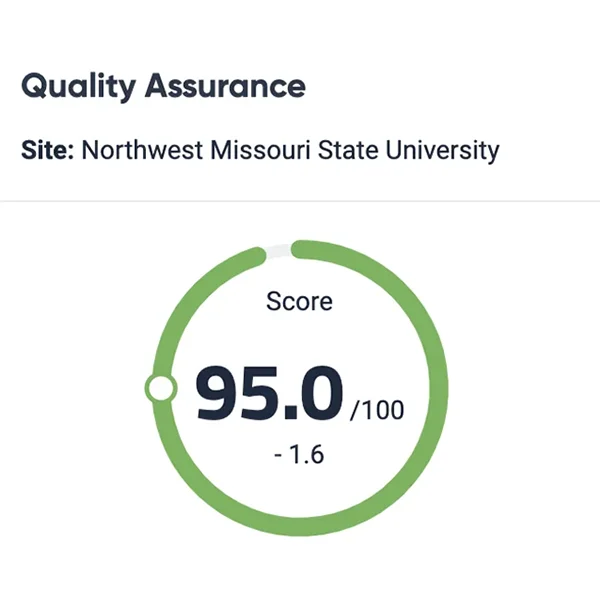
Make sure your website content is in outstanding shape by identifying old and irrelevant content, broken links, or outdated branding or wording. Easily create a frictionless user experience that stands out from competition and supports the Northwest brand.
Siteimprove's Digital Certainty Index (DCI) measures the quality and potential impact of your site's digital presence, including its accessibility and usability, its credibility and trustworthiness, and how well-poised it is to respond to SEO challenges.
To use, navigate to the Quality Assurance tab on the left tool menu. Learn more about this section with Siteimprove's Quality Assurance guides and FAQ's page.
Policy can help you to track special issues and monitor your site content. Select popular policies from the Policy Library, or create your own custom policies tailored to your specific needs.
Do you have a common misunderstanding or formatting problem on Northwest sites? A policy can help track these down to be fixed.
We can track references to Northwest that are not in line with our brand standards. For example, Northwest uses a specific phone number format (###.###.####), rather than using hyphens. This rule is maintained on our policy library and helps find inconsistencies on the web.
Ask the webteam for help setting up a policy.
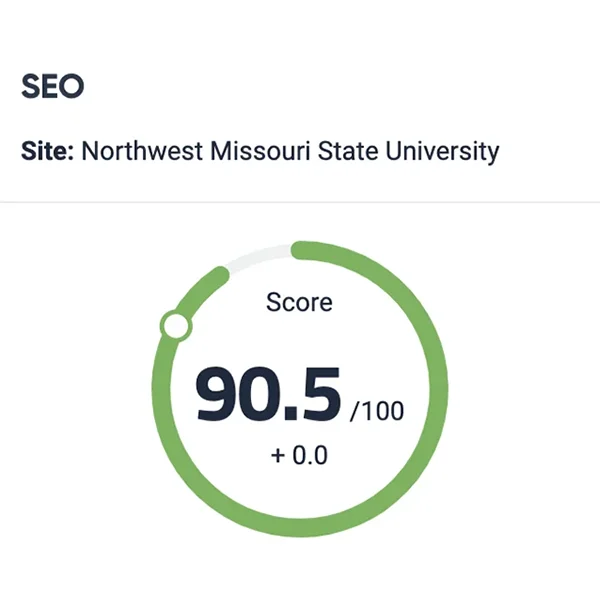
Strong SEO drives website traffic, brand awareness, and conversions. But between keyword monitoring, optimizing content, analyzing competitors, and reporting ROI, it can be hard to keep track of all the moving parts in your SEO strategy.
Siteimprove's SEO tools help identify (and prioritize) improvements to your site that affect Google search results and other search platforms.
To use, navigate to the SEO tab on the left tool menu. Learn more about this section with Siteimprove's SEO guides and FAQ's page.