
This website is best viewed in a browser that supports web standards.

Skip to content or, if you would rather, Skip to navigation.

Northwest Missouri State University


Campus Alerts


Parts of the Northwest campus are experiencing power outages.


May 14, 2013

Updated information about University response to power failure

Northwest is continuing to take measures in response to Monday’s power failure. The cause of the failure was determined to be a faulty switch box outside The Station. Northwest is working with a local vendor to obtain new parts and repairs are ongoing. Northwest continues to monitor the situation and will communicate more information as it becomes available.

Other measures being taken at this time include the following:

  • Electrical power is restored in Garrett-Strong and classes in the building have resumed.
  • Summer food service has resumed regular hours from 7 a.m. to 1:30 p.m. Monday through Thursday at C3 Express in Garrett-Strong.
  • Tower Suites and the high-rise residence halls will not have power for the remainder of the week. Due to concerns for safety, the Office of Residential Life has coordinated alternate living arrangements for impacted students. Questions regarding housing should be directed to Residential Life at ext. 1214.
  • Temporary power has been restored to The Station, and Textbook Services will be open for textbook pickup from 8 a.m. to 5 p.m. Wednesday, May 15. Due to the limited power, students should pick up their textbooks as soon as possible. Only Textbook Services, located on the lower level of The Station, is accessible within the building; the remainder of the facility is inaccessible until further notice. Students who cannot pick up textbooks must contact Teri Tobin, Textbook Services manager, at ttobin@nwmissouri.edu before 5 p.m. Wednesday, May 15, to make arrangements to pick up textbooks.


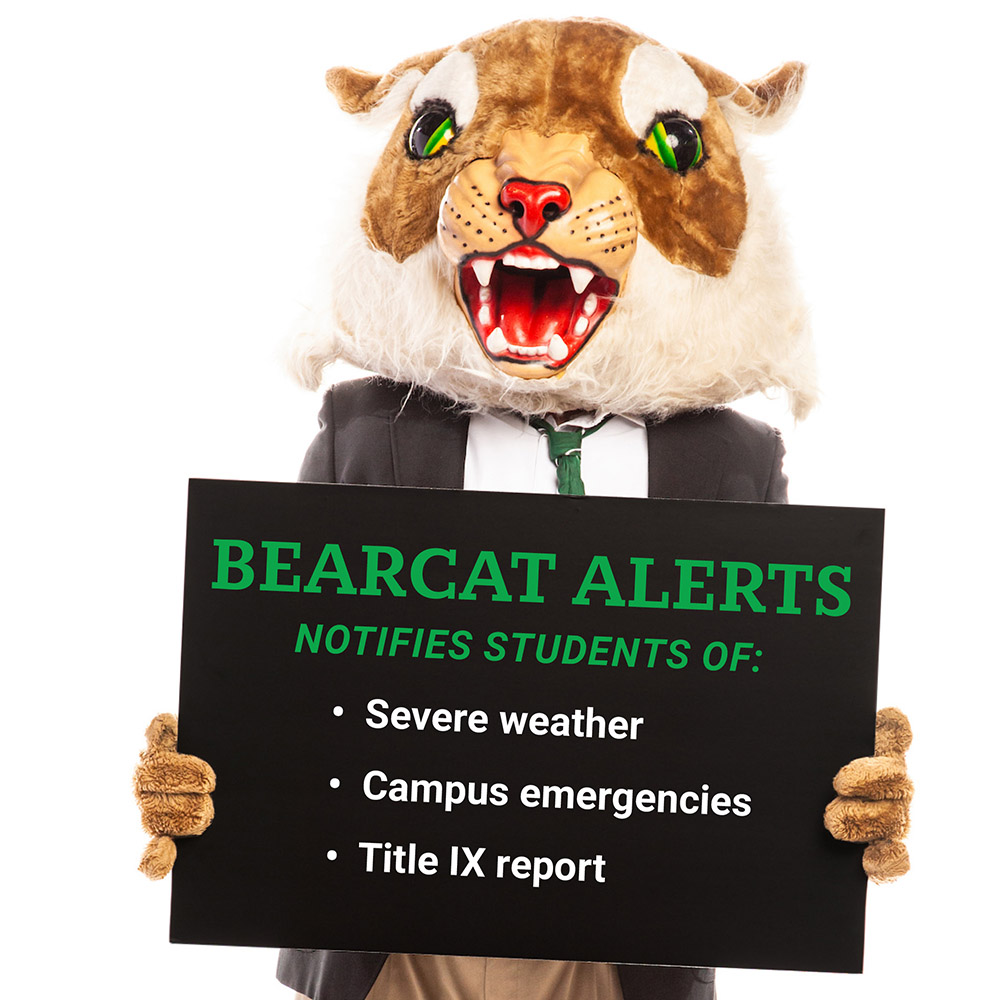
Bearcat Alerts

(Northwest's Emergency Text Message Service)

Bearcat Alert, an emergency text-messaging system to increase the University’s ability to communicate with students during times of crisis. Providing your cell number will automatically enroll you in Bearcat Alert (unless you decide to opt out). Standard carrier message rates apply.

Where can I find the channel?

Enrollment

  1. Log into myNorthwest with your Northwest network username/password.
  2. On the Home tab, look for the  Bearcat Alert Text Messaging channel (by default, the channel should be on the left side, see image).
  3. Provide your up-to-date cellphone number to start receiving emergency text messages.

Note: If you don't have the channel on your Home tab, you can add the channel to your page. Hover over the Add Content button at the top of the page. The Bearcat Alert Text Messaging channel is located under the General Services/Resources category. Click the channel name to add it to the tab.